1
Add your meal
Take a photo, scan a barcode or type what you ate.
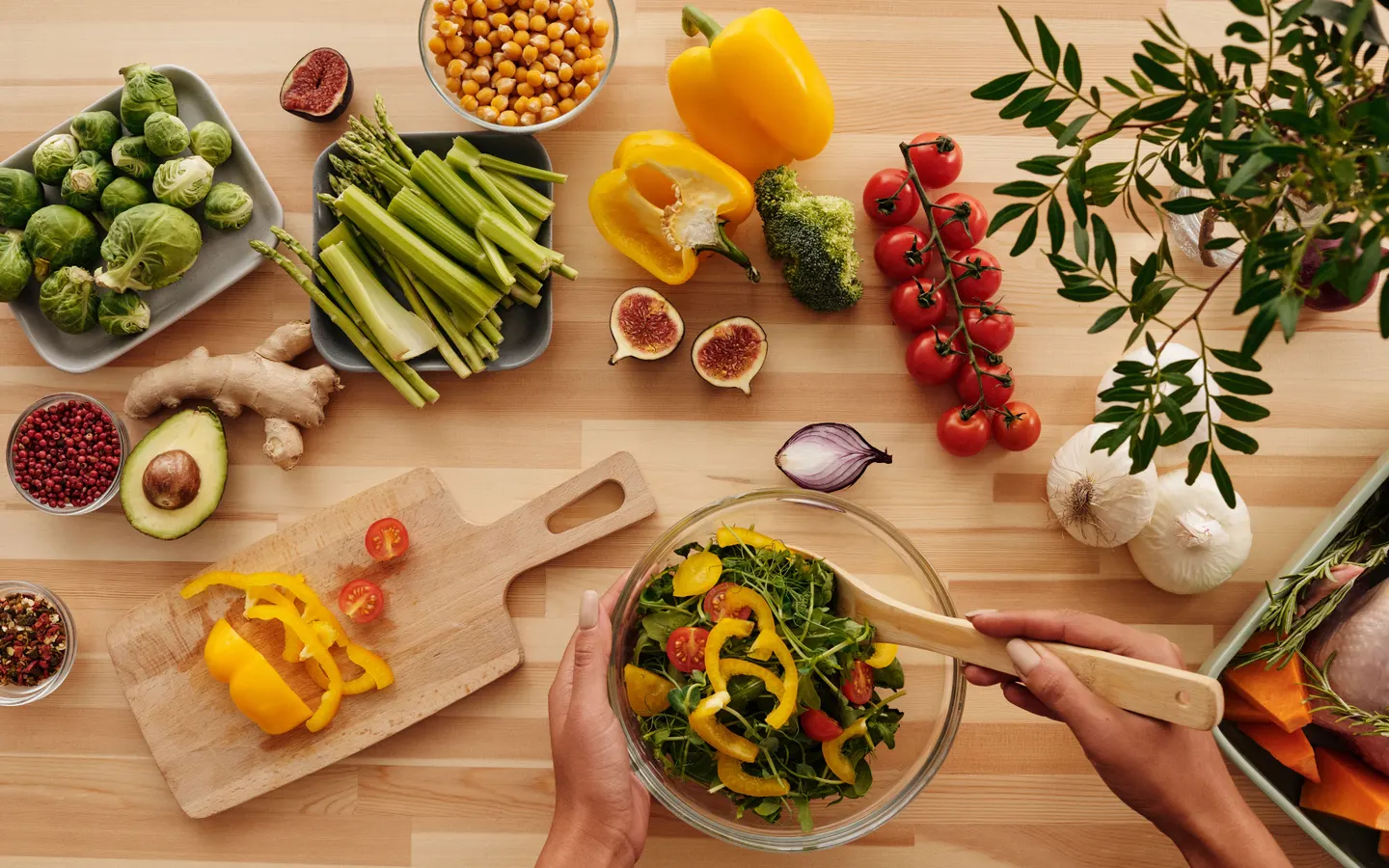
Track calories and macros, log meals with a photo, and get a little help from your AI coach.
Download on the App StoreThree simple steps, from your plate to your diary.
Take a photo, scan a barcode or type what you ate.
Check the ingredients and amounts. Adjust the portion if needed.
Find your meals, calories and macros together in one simple diary.
Meal ideas, food questions, or a look at your diary. Just ask.
Set your goal and track calories, macros and weight over time.
Lose weight
Keep your daily intake in view.
Maintain weight
Find a balance that works for you.
Build muscle
Keep track of calories and protein.
Your goal can change. Your diary stays with you.
Recipes in Frulo
Discover recipes, keep your favourites and have the ingredients ready for your next meal.


FAQ
Add a meal with a photo, a description, a barcode or a manual entry. Check the food and portions, then save it to your diary to see calories and macros throughout the day.
A photo cannot show every ingredient or the exact amount of oil. AI results are estimates, not measurements. Check portions and ingredients against what you ate, and use the packaging when available.
Yes. Review the result and correct the food or portion before saving. You can also edit entries in your diary.
You can set a goal to lose, maintain or gain weight and keep track of calories, macros and weight over time. Frulo does not replace personalised advice from a qualified professional.
Frulo is made for iPhone and requires iOS 26 or later. Optional Apple Health integration lets you connect selected health data.
English, Italian, German, French, Spanish, Portuguese from Portugal, Dutch, Swedish, Danish and Norwegian Bokmål.
Frulo is free to download on the App Store. An optional Pro subscription, monthly or yearly, unlocks the paid features; the current price for your country is shown in the app and on the App Store.
Your account and diary sync through Supabase. AI features use OpenAI after your consent. The privacy policy explains data sharing, analytics, retention and how to delete your account.
Privacy policy ↗Make room for what matters, one meal at a time.
Download on the App StoreFood & everyday life